
The Ultimate Guide for Setting Up A Home Theater
 Admin
Admin
Transform your living space into a cinematic haven with our Ultimate Guide. From choosing the perfect equipment to optimizing sound and visuals, discover expert tips and tricks to create a movie-watching experience like never before.
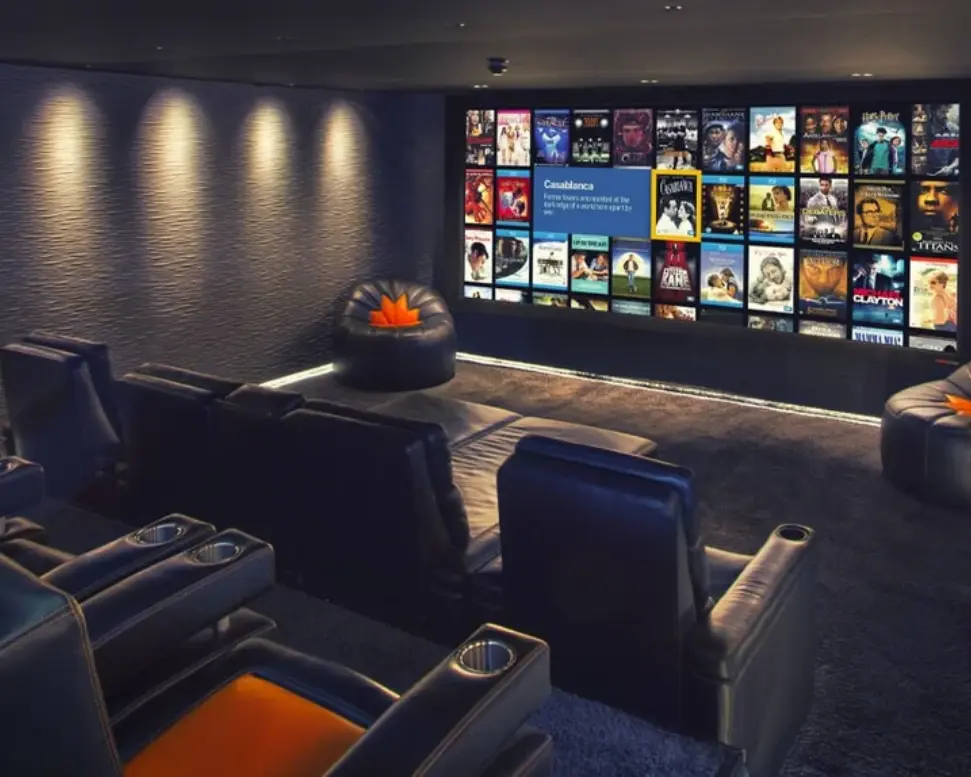
Creating the perfect home theater isn’t just about buying the latest gadgets. It’s about putting together the right pieces, setting up your space well, and tweaking everything to make it feel like a real movie theater. Whether you’re an audio enthusiast or just looking to upgrade your setup, this guide will help you set up a home theater that feels like a cinema. From picking the right room and arranging your seats to choosing the best sound and picture equipment.
Here is the best guide for setting up a home theatre.
Choose the Right Space
Choosing the perfect place for a home theatre is a must since it will be permanently set up. You would need a large room, enough to fit your screen comfortably. Ideally, choose a rectangular room with minimal windows to help control lighting and prevent glare. Make sure the room has ample power outlets and connectivity options for your equipment. Finally, consider the room’s ventilation to maintain a comfortable temperature during movie sessions.
Plan Your Seating
When planning your seating for a home theater, focus on comfort and optimal viewing. Start by arranging seats so that everyone has a clear view of the screen, ideally from a central position where the screen is at eye level. Ensure there's enough distance between seats and the screen to avoid discomfort from being too close or too far away. Use comfortable, supportive seating that enhances the movie experience, and make sure to provide ample space for people to move around easily.
Select Your Equipment
Selecting the right equipment for your home theater is crucial to achieving the best viewing experience. Start by choosing between a projector and a large-screen TV, depending on your room size and budget. Ensure you have quality source devices like streaming players, DVD/Blu-ray players, or gaming consoles. Matching your equipment to your room’s size and layout will ensure you get the most out of your home theater setup.
Optimize Your Setup
To optimize your home theater setup, start by calibrating your audio and video equipment for the best performance. Adjust your speakers to ensure even sound distribution and set your TV or projector to match your room's lighting conditions. Fine-tune these settings based on your room's unique characteristics to create an immersive and enjoyable movie-watching experience.
Integrate Smart Technology
Integrating smart technology into your home theater can greatly enhance your viewing experience and convenience. Start by installing a smart hub or control system that allows you to manage all your devices from a single interface, such as a smartphone or voice-controlled assistant. By connecting these elements, you can seamlessly control your home theater environment and enjoy a more immersive and user-friendly experience.
Enjoy Your Home Theater
To ensure your home theater is working properly, start by visually checking that the screen displays clear images and all cables are securely connected. Test the audio system to make sure all speakers produce sound and are correctly positioned. Verify that your receiver and input settings are configured correctly. Check that all connected devices are functioning and that remote controls are working with fresh batteries. This systematic approach will help you confirm that everything is set up for an optimal viewing experience.
In Conclusion
Setting up a home theater can turn any room into a personal movie paradise. Start by picking the right space and arranging comfortable seating. Choose quality equipment for your screen and sound, and make sure everything is set up and tuned correctly. Adding smart tech can make it even better. With these steps, you’ll create a home theater that’s perfect for enjoying movies and shows with family and friends.
Stay tuned to ModernMavenLiving for more updates.